
Categories
Laptops Windows

How to fix Dell XPS 15 laptop display flickering

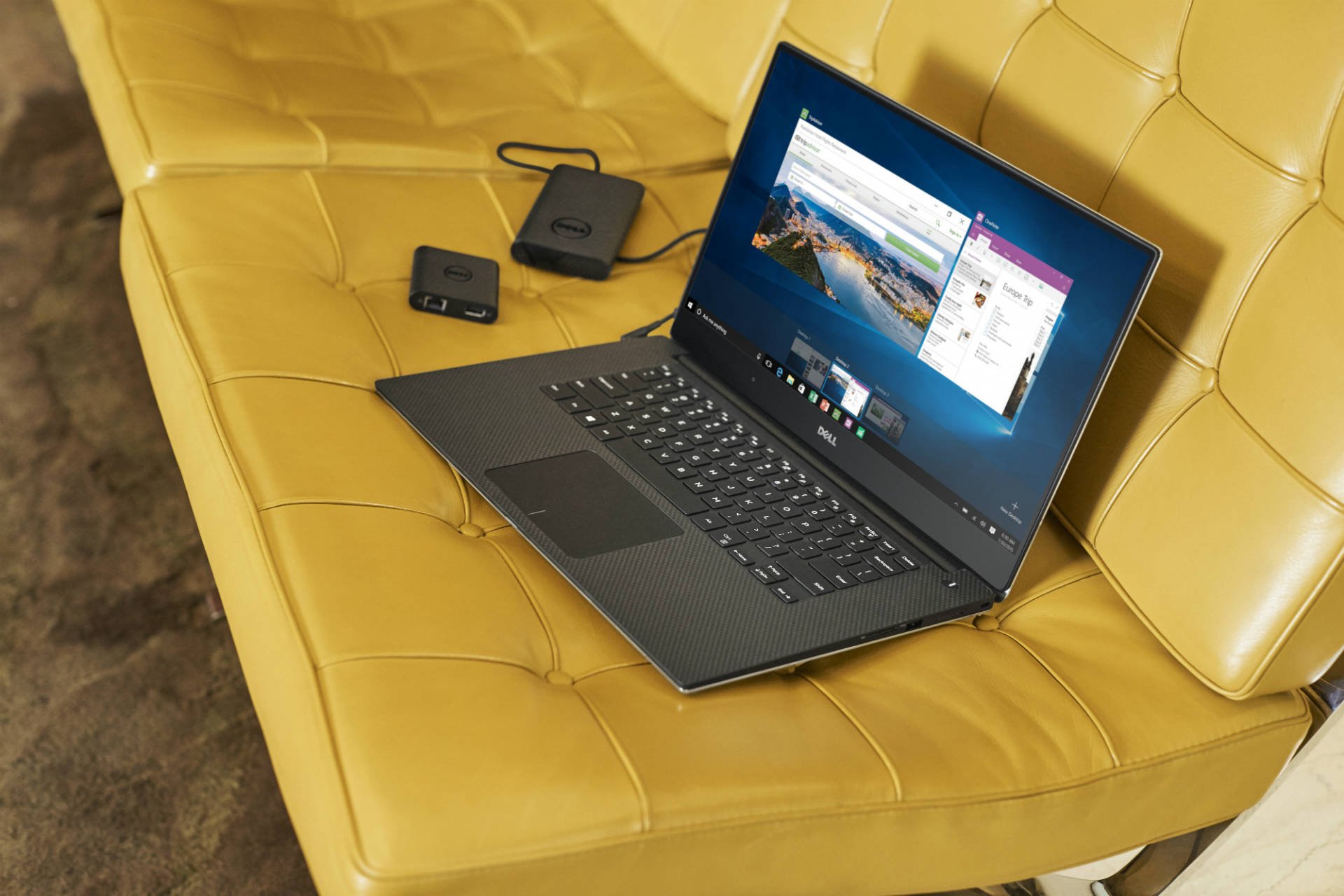
I’ve currently got the Dell XPS 15 in for review, and for the most part, I think it’s a fantastic machine to work on and I’ll miss it when it’s returned.

The standout feature on this laptop is of course that 4K InfinityEdge display; it’s so good to work on with good viewing angles, a bright panel and rich colours. On some models however, probably yours too, the display tends to flicker when you’re using Google Chrome — particularly when hovering over links or using the touch display.

Fixing the XPS 15 laptop’s flickering

There are a bunch of Reddit threads tackling this issue, and most of them suggest updating the XPS 15’s BIOS (here’s how to update your BIOS). Before doing that though, I tried the much simpler steps of just updating the display drivers and it solved the issue. Here’s how you can do the same:

  1. Click on your Start menu icon, and then the Settings icon above it.
  2. You should then see a grid of Windows Settings; click on the Devices icon.
  3. Scroll down and at the bottom of the page, click on Devices and Printers.
  4. That should have opened the Device Manager window. Now you need to double-click on the Display adapters option from the list, and then double-click on Intel HD Graphics 530 (yours may be different).
  5. A new window for Intel HD Graphics should open now. Click on the Drivers tab at the top, and select Update Driver…   
  6. On the new window, select the Search automatically option and follow the instructions. Your Dell XPS 15 should then update with new display drivers and the flickering issue should go away.

Has this helped you? Let me know in the comments!

By Fabio Virgi

I'm the guy behind Let's Talk Tech and a travel blog called Fab Meets World. Some people call me a geek, I think they're probably right. I'm fascinated by technology and innovation, love good design and own way too many gadgets for my own good. Want to connect? Get in touch on Twitter and Instagram.

vdcasino
betgaranti
vdcasino
vaycasino
noktabet
betgaranti
betpark
betpark
betpark
vaycasino
vaycasino
noktabet
vaycasino
vaycasino
bettilt
roketbet
vaycasino
betpark
vdcasino
betgaranti
betgaranti
betgaranti
vdcasino
vaycasino
betpark
betpark
bettilt
betgaranti
vdcasino
vdcasino
bettilt
bettilt
bettilt
vaycasino
betpark
betgaranti
romabet
romabet
kolaybet
kolaybet
kolaybet
kolaybet
betpark
vdcasino
vdcasino
betgaranti
vaycasino
mavibet
vdcasino
vaycasino
betpark
vdcasino
betgaranti
mavibet
vaycasino
vaycasino
vaycasino
betpark
romabet
vdcasino
mavibet
betpark
mario
vaycasino
betpark
vdcasino
vaycasino
betgaranti
vaycasino
betgaranti
vaycasino
vdcasino
betgaranti
vaycasino
vaycasino
vdcasino
vaycasino
norabahis
norabahis
betpark
orisbet
Orisbet
Orisbet
mariobet
mariobet
mariobet
mariobet
roketbet
mariobet
orisbet
vaycasino
betpark
vdcasino
norabahis
norabahis
norabahis
vaycasino
betpark
imajbet
betci
betci
betplay
betplay
vaycasino
betci
betci
betplay
betplay
imajbet
mariobet
mariobet
vdcasino
vdcasino
betgaranti
betgaranti
betgaranti
betgaranti
vaycasino
vaycasino
norabahis
norabahis
betkolik
vaycasino
betpark
betgaranti
betgaranti
madridbet
madridbet
mariobet
mariobet
norabahis
roketbet
mariobet
vegabet
vaycasino
betpark
vdcasino
betgaranti
vaycasino
betpark
vdcasino
betgaranti
betpark
vdcasino
betgaranti
vaycasino
betpark
roketbet
betyap
betyap
roketbet
roketbet
vegabet
vegabet
betgar
Betgar
sekabet
sekabet
tophillbet
tophillbet
romabet
vaycasino
vdcasino
vaycasino
betpark
betgaranti
vdcasino
tophillbet
tophillbet
tophillbet
betpark
betgaranti
betpark
vaycasino
betasus
Betkolik
betkolik
betgaranti
betpark
Safirbet
safirbet
safirbet giriş
vaycasino
betgaranti
norabahis
norabahis
norabahis
norabahis
betnano
betnano
betnano
alobet
alobet
betnano
betnano
betnano
restbet giriş
meritking
ultrabet
holiganbet
holiganbet
holiganbet
betasus
ultrabet
meritking
jokerbet
sonbahis
betpas
betpas
vegabet
tophillbet
vegabet
betpark
vdcasino
restbet