
Categories
iOS Smartphones & Tablets

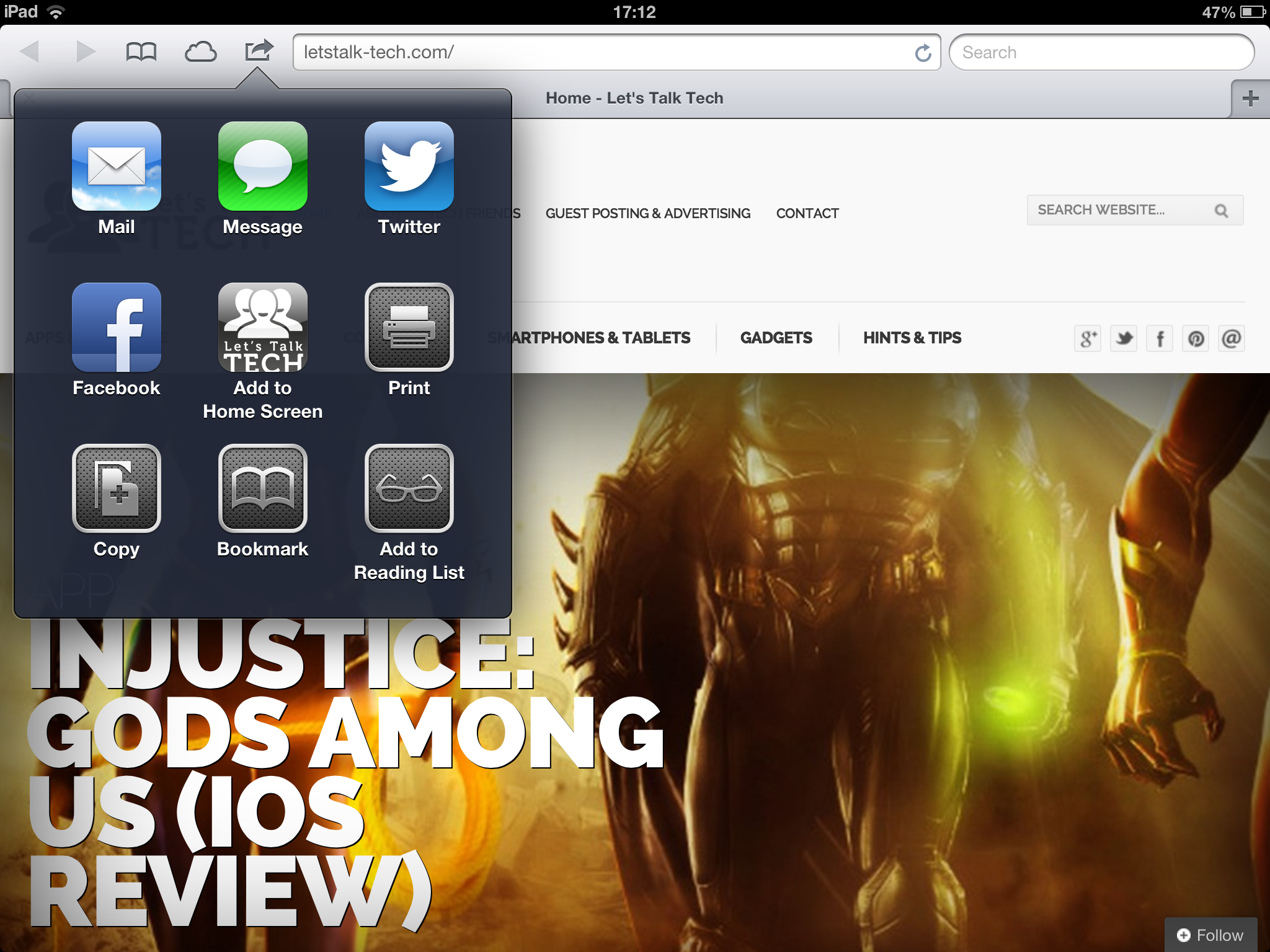
How To Add Websites To Your iOS Home Screen

If like me you visit lots of websites on a daily basis, you’re likely to bookmark them within the browser itself. With iOS though, you can really easily create a dedicated icon on your home screen to work as a visual bookmark. So, this article will show you how to add websites to your iOS home screen in just a few seconds.

Click on the image below for the four steps to do this (courtesy of Apple’s website) and voila, you’ll always be a touch away from your favourite websites.

Whilst you’re at it, don’t forget to add Let’s Talk Tech to your iOS home screen too!


Add Websites To iOS Homescreen


Did you find this helpful? Don’t forget to share it and leave a comment below!


By Fabio Virgi

I'm the guy behind Let's Talk Tech and a travel blog called Fab Meets World. Some people call me a geek, I think they're probably right. I'm fascinated by technology and innovation, love good design and own way too many gadgets for my own good. Want to connect? Get in touch on Twitter and Instagram.

betpark
betpark
betpark
betpark
betpark
betpark
betpark
betpark
betpark
betpark
betpark
betpark
betgaranti
betgaranti
betpark
betgaranti
betpark
betpark
betpark
betpark
betgaranti
betgaranti
betgaranti
betpark
betpark
betgaranti
betgaranti
betpark
betpark
betgaranti
betgaranti
betpark
betpark
betpark
betpark
betpark
betgaranti
betgaranti
betpark
betpark
betpark
betgaranti
betgaranti
Betgaranti
Betpark
SkyProgram
Kolaybet
betpark
Betorder
betpark
betpark
betpark
betgaranti
Vdcasino
betpark
grandpashabet
grandpashabet
betgaranti
grandpashabet
grandpashabet
Betgaranti
Betgaranti Güncel Giriş
betgaranti güncel giriş
betgaranti
Betgaranti Güncel Giriş
betnano
betnano
betgaranti
betgaranti
Betgaranti
Betgaranti
Betgaranti
Betgaranti
Kolaybet
casinolevant
casinolevant
casinolevant
casinolevant
casinolevant