
Categories
iOS Smartphones & Tablets

How To Add Websites To Your iOS Home Screen

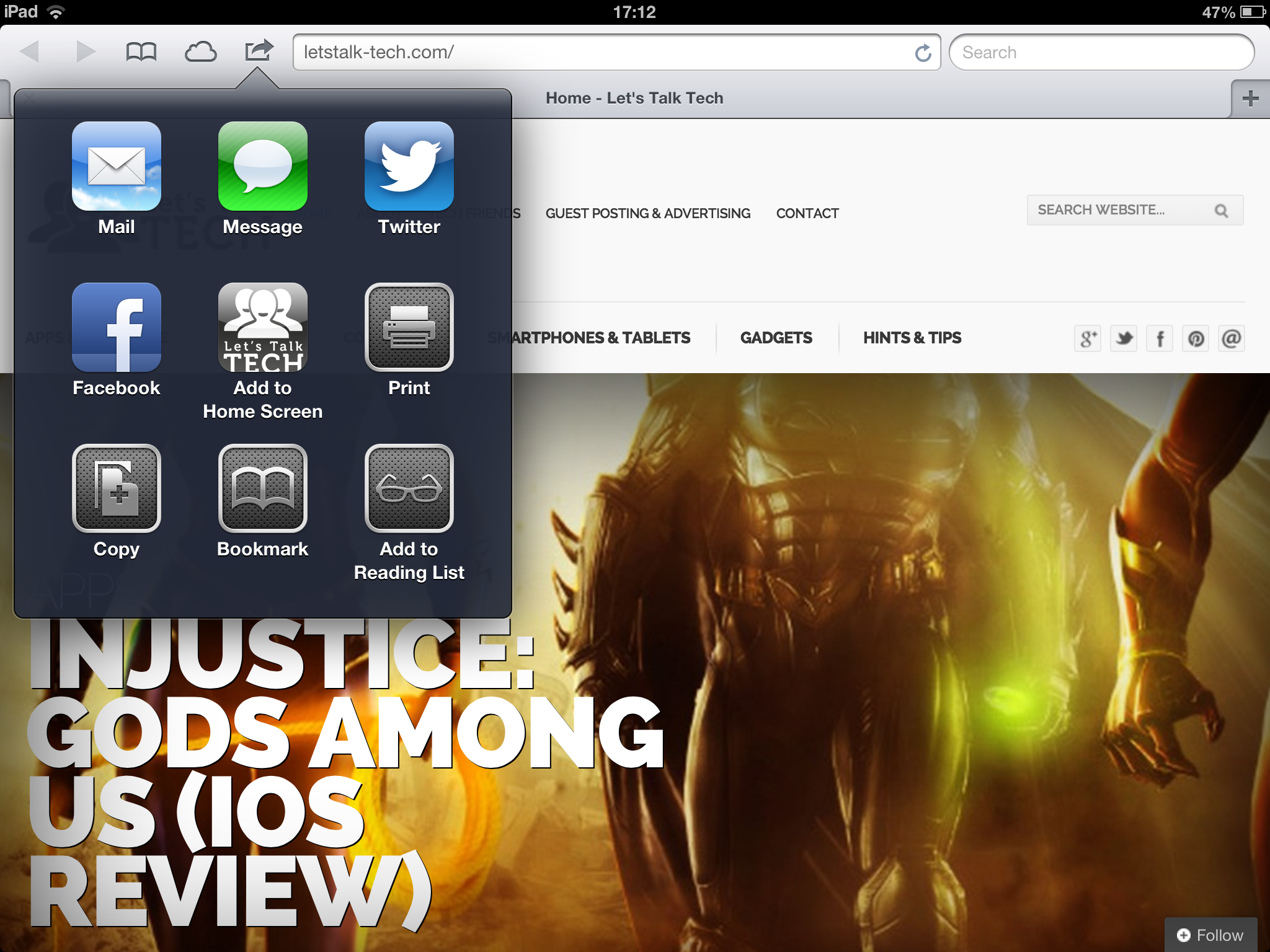
If like me you visit lots of websites on a daily basis, you’re likely to bookmark them within the browser itself. With iOS though, you can really easily create a dedicated icon on your home screen to work as a visual bookmark. So, this article will show you how to add websites to your iOS home screen in just a few seconds.

Click on the image below for the four steps to do this (courtesy of Apple’s website) and voila, you’ll always be a touch away from your favourite websites.

Whilst you’re at it, don’t forget to add Let’s Talk Tech to your iOS home screen too!


Add Websites To iOS Homescreen


Did you find this helpful? Don’t forget to share it and leave a comment below!


By Fabio Virgi

I'm the guy behind Let's Talk Tech and a travel blog called Fab Meets World. Some people call me a geek, I think they're probably right. I'm fascinated by technology and innovation, love good design and own way too many gadgets for my own good. Want to connect? Get in touch on Twitter and Instagram.

betpark
betpark
betpark
betgaranti
kolaybet
kolaybet
kolaybet
betpark
betpark
betpark
betpark
betpark
betpark
betgaranti
betgaranti
jojobet
supertotobet
bettilt
supertotobet
supertotobet
betnano
betpark
betpark
vaycasino
vaycasino
betpark
betpark
betpark
betpark
bettilt
supertotobet
bettilt
supertotobet
jojobet
supertotobet
supertotobet
supertotobet
bettilt
supertotobet
bettilt
bettilt
hititbet
hititbet
vdcasino
bettilt
bettilt
bettilt
hititbet
hititbet
hititbet
betplay
betpark
betpark
betnano
betnano
norabahis
parobet
vdcasino
vdcasino
pokerklas
pokerklas
hititbet
hititbet
norabahis
betorder
bettilt
bettilt
betplay
timebet
timebet
betpark
betpark